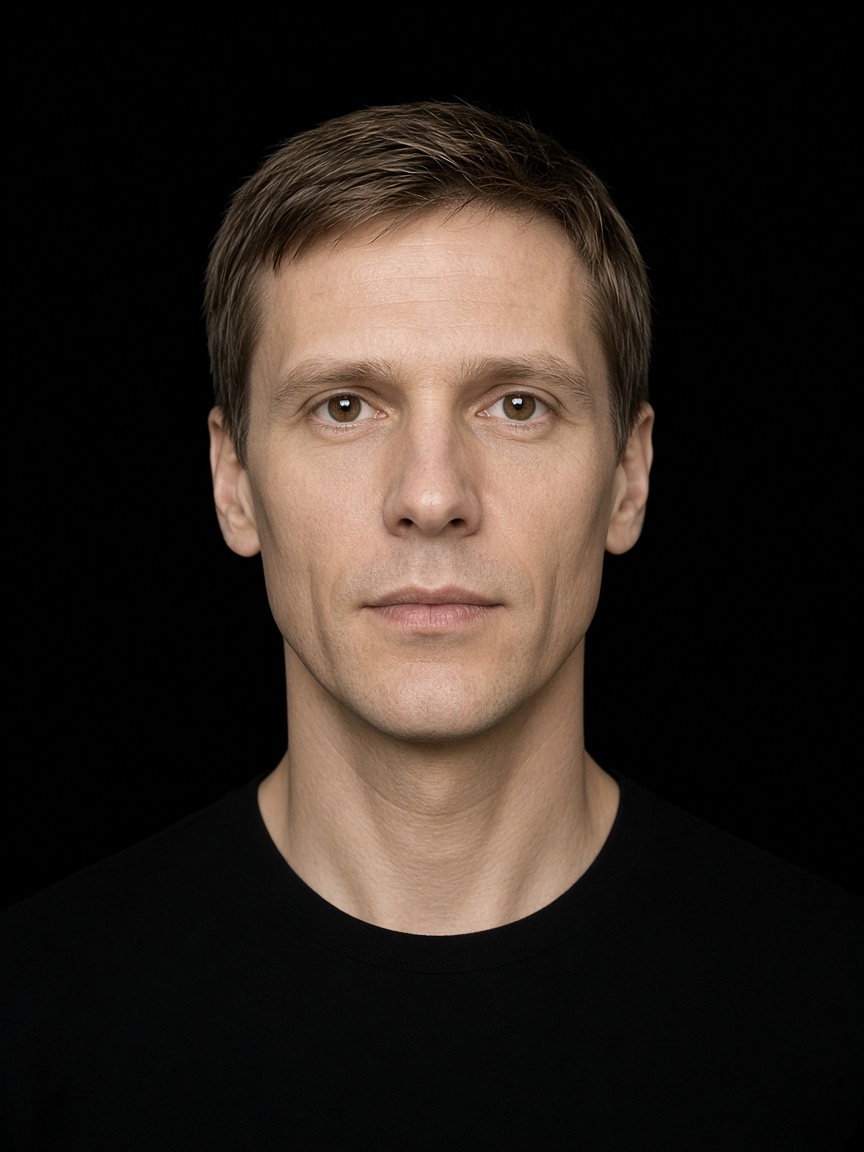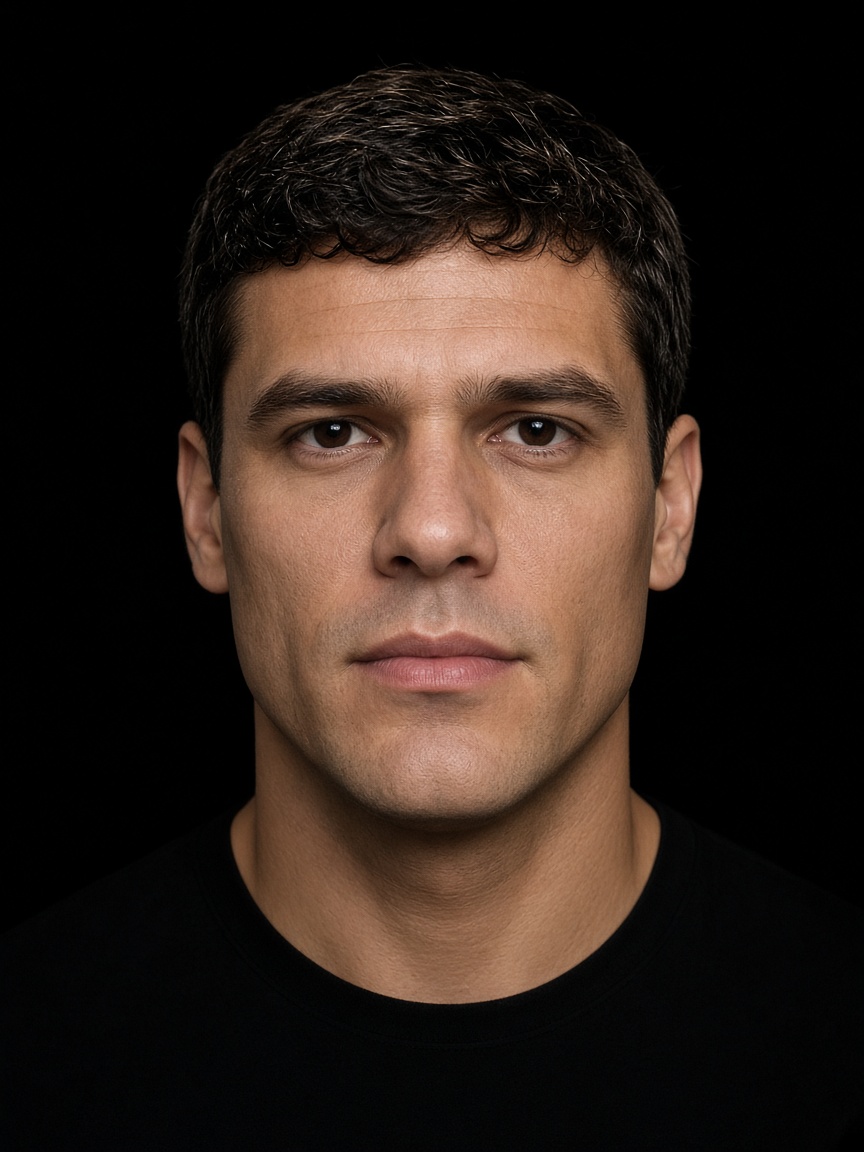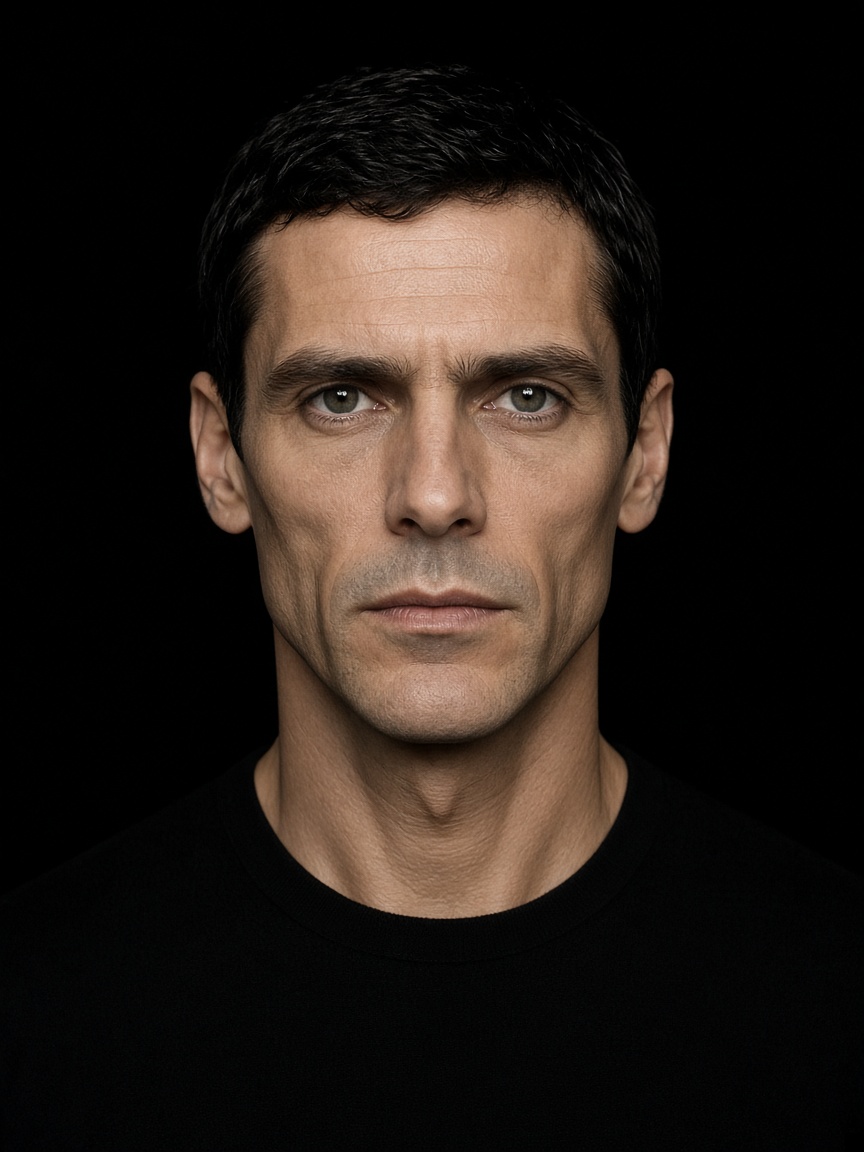
100% locally processed

LIVESWAP AI

Powered by advanced AI face-swapping technology, LiveSwap AI gives you the freedom to appear as someone else without revealing your real face on screen.

100%
Anonymous
Live HyperSwap 1B
Face Guard on

Standard frame

Virtual camera · nothing leaves this PC

Output shows up as a webcam in

  • Discord
  • Zoom
  • Google Meet
  • OBS
  • TikTok Live
  • Browsers

Features

A local face-swap engine for live calls, streams, and files. The frame is processed on your GPU. Your real face stays off the output.

100% Untraceable

Complete anonymity

Your real face never reaches the frame. If the swap drops, Face Guard holds the last swapped frame, and the whole pipeline stays on your GPU. Models are encrypted. Nothing is uploaded — there is no copy for an algorithm, a person, or another model to trace back to you.

  • Crypto-secure
  • Undetectable
  • Irreversible
  • Zero data leaks

Live at up to 60 fps

On a capable GPU, the swap keeps up with a live camera. An fps lock holds a steady rate when the stream needs one.
Face Guard

If the swap drops mid-stream, the output holds the last swapped frame. Your real face does not flash on stream.

Custom swap engines

Our own engines, built on HyperSwap, InSwapper, and AlphaFace. Switch them while you are live.

Face restoration

Custom face restorers, alongside GFPGAN, GPEN-256, GPEN-512, and RestoreFormer++. Extra simple controls, including grain and sharpness, so the face sits in real camera footage.

Occlusion

Hands, fingers, and objects held in front of the face show through the swap, using learned segmentation.

Hair protection

Your real hairline is never painted over. The edge of the swap does not cross it.

Real mouth blend

Your actual lip movement stays under the swap, at a strength you set.
Face sculpting

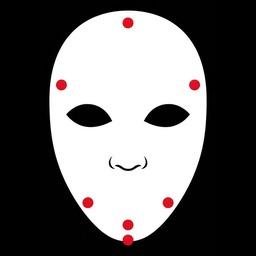
Fit size and position, then shape cheeks, jaw, forehead, chin, and length. Edge fades reveal your real hairline and jaw.

Optimization

Improved inference, so the swap runs faster and holds up better on every machine.

Image and video files

The same swap runs on image and video files, in memory. Audio and frame rate are preserved.
How does it work?

An advanced program takes the face through multiple steps until the swap stays realistic up close and from far away. Built for anonymous video calls.

  1. 01 Launch

    Open LiveSwap and enter your license key. You only do this once.

  2. 02 Choose a mask

    Any .jpg or .png. No training needed.

  3. 03 Settings

    Change anything you want. It is made to be super easy to use.

  4. 04 Virtual camera

    Select LiveSwap as the camera output.

  5. 05 Go live

    Start your call. That's it.

Pipeline

Every frame stays on the machine. The virtual camera is what other apps see.

  1. 01 Capture

    The webcam frame is read locally.

  2. 02 Swap

    The engine you picked replaces the face from your source photo.

  3. 03 Restore

    An enhancer, plus grain and sharpness, settles the face into the shot.

  4. 04 Protect

    Occlusion, hairline, and mouth blend keep the parts that should stay yours.

  5. 05 Guard

    If the swap misses, Face Guard repeats the last good frame.

  6. 06 Output

    A virtual camera, or a finished image or video file.

License

A key, then you are live.

LiveSwap is a paid Windows app. You activate it with a license key, locked to your machine. Licenses are sold on Telegram.

FAQ

No. The swap runs on your GPU. Nothing is uploaded.

Face Guard holds the last swapped frame, so your real face does not flash on stream.

Any app that can select a webcam. That includes Discord, Zoom, Google Meet, OBS, TikTok Live, and browsers.

Yes. All six engines are switchable while you are live.

Yes. Images and videos are processed in memory, with audio and frame rate preserved.

A month is $3,500.00 USD, with a discount on multiple devices. Message @livedeepfake on Telegram for a license key, or book a demo.